
Memory
What Atoi remembers about you, how it proposes new memories, and how to review or remove them.
Memory is what Atoi carries between threads: the way you like things written, a convention a project uses, a constraint you stated once and expect forever.
#Keep only what lasts
Durable, reusable, and worth attributing: a writing style, a naming convention, a standing preference. Temporary details belong in the thread or the project. Secrets never belong in memory.
#Atoi proposes, you decide
When Atoi notices a pattern, it proposes remembering it and says what it observed and what would change. One interaction never silently becomes a permanent rule, and a project convention never quietly becomes an account-wide preference.
Something you state outright is stronger than something Atoi inferred.
#Review and remove
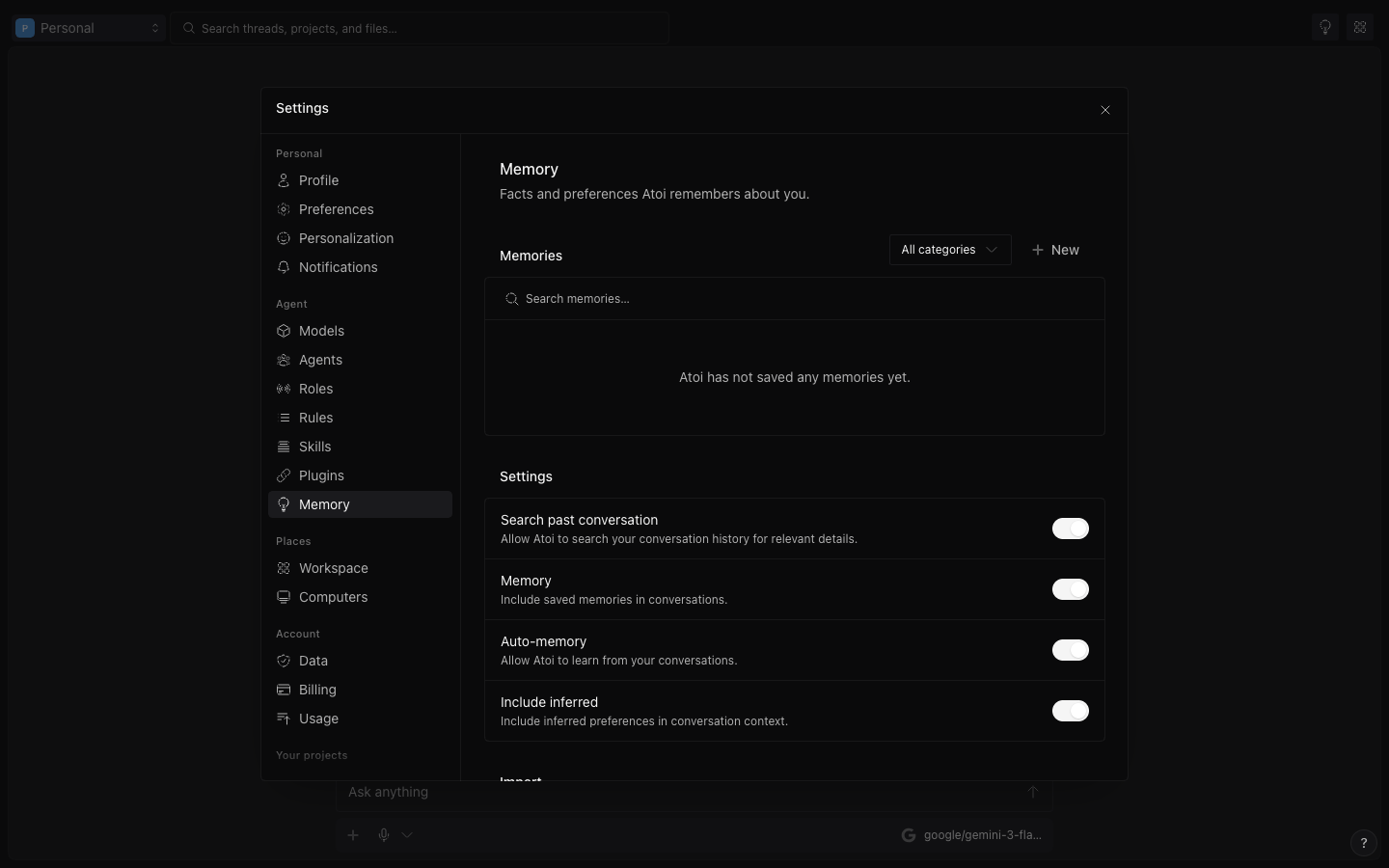
Open Settings → Memory. Four switches decide what Atoi remembers. Use saved memories brings what Atoi remembers into each thread; the next two depend on it. Auto-memory lets Atoi save memories on its own, on plans that include it. Include inferred memories adds the preferences Atoi worked out, not only the ones you stated. Search thread history lets Atoi look through past threads for relevant details. Below them, each memory shows what kind it is and where it came from; edit or remove anything wrong, stale, or too broad. Data holds the Limit your plan sets, Import from other AI, Export memories, and Delete all memories.
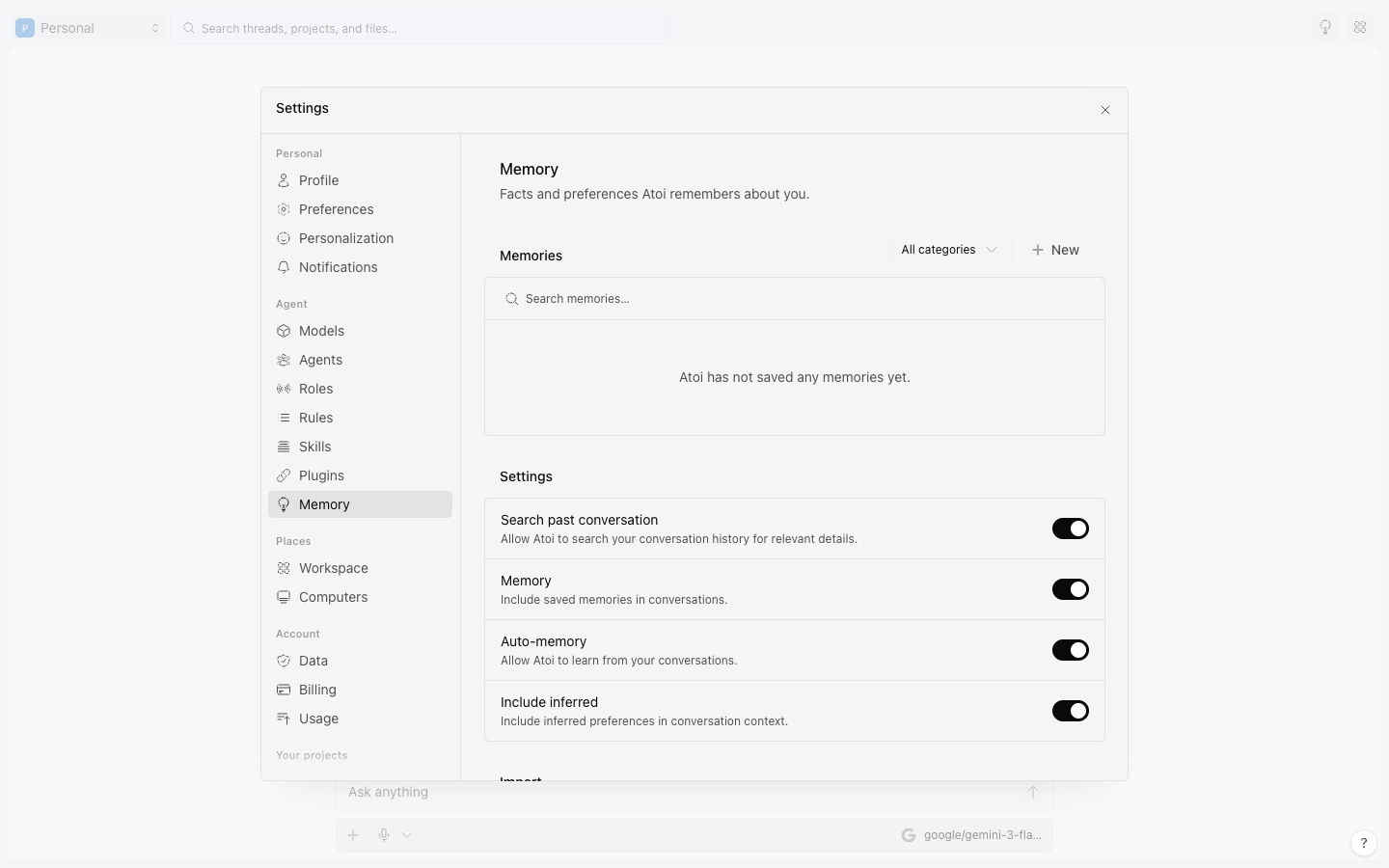
Removing a memory changes what Atoi does next. It does not rewrite past threads or receipts.
#Not everything is memory
Your theme, enabled models, and permission rules are settings, not memories. Change them in Preferences, Models, and Permissions.
Read Asks and approvals for rules and Models and keys for model defaults.
Was this useful?